
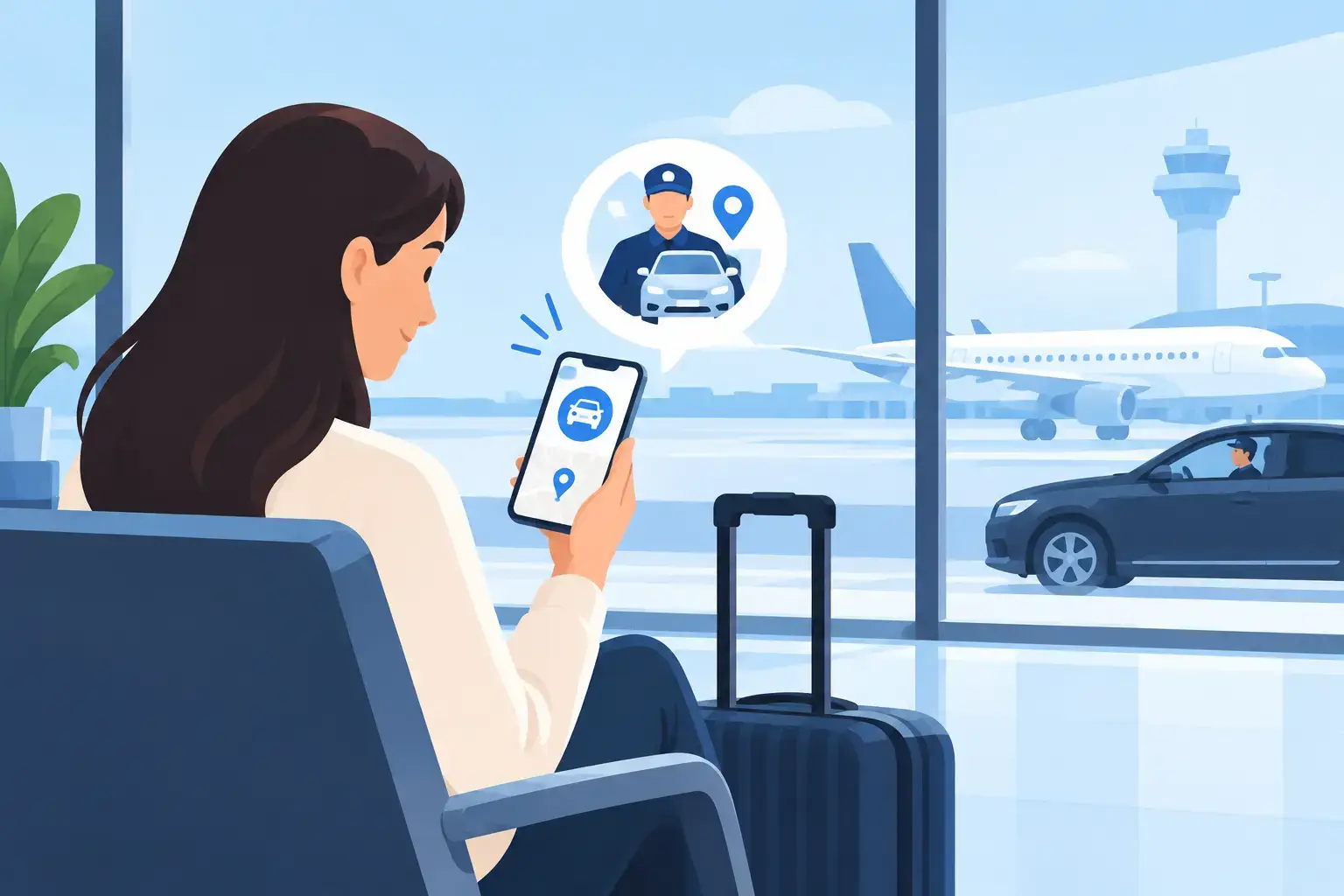
Get Driver Arrival Alerts Before Your Flight
Know when your airport car is outside
An early airport journey has enough moving parts already. Bags need checking, children need waking, passports need finding and terminals have strict timings. When you get driver arrival alerts, you do not have to keep looking through the window or wondering whether your pre-booked car is nearby. You have a clear update to help you leave at the right moment.
For a private-hire journey, good communication matters as much as the vehicle itself. A fixed fare gives you clarity on cost. A confirmed collection time gives you a plan. Driver arrival notifications add the final piece: practical reassurance that your journey is ready to begin.
What driver arrival alerts should tell you
A useful arrival alert is short, clear and relevant. It should confirm that the driver has reached the collection point or is immediately outside, allowing for safe and legal stopping restrictions. It may also include the driver’s name, vehicle registration, make, model and colour, so you know exactly who to look for.
This is particularly helpful outside busy London homes, offices, hotels and stations, where several private-hire vehicles may arrive within minutes of each other. Rather than approaching the wrong car, you can match the details provided with the vehicle at the kerb.
For airport collections, the message can also help you prepare for the agreed meeting arrangement. Some terminals require drivers to use designated pick-up areas or car parks rather than stopping directly outside arrivals. In those cases, the important detail is not simply that the driver has arrived, but where you should meet them and how to identify them.
Arrival alerts are not the same as booking confirmation
A booking confirmation tells you that your journey has been accepted, with the date, time, addresses and fare details recorded. An arrival alert relates to the live collection stage of that journey. Both are valuable, but they answer different questions.
Check your confirmation when you book, especially if your flight is early in the morning or you have a time-sensitive meeting. Then keep your phone available around collection time for any driver details or arrival communication. If your plans change, contact the operator as early as possible rather than relying on a message to resolve a changed address or departure time.
Why alerts matter for airport transfers
Airport travel is less forgiving than an ordinary local trip. Missing a train may be inconvenient; arriving late for check-in can affect the whole journey. A pre-booked car and a clear arrival update reduce one avoidable source of uncertainty.
For departures, alerts help households coordinate without standing outside in the cold or leaving luggage unattended on the pavement. If you are travelling with children, older relatives or several cases, you can bring everyone down when the car is ready. Business travellers can finish a call, collect their documents and leave with confidence rather than losing time at the window.
For arrivals into London, communication is just as useful, although the process is different. Flights can land early, late or on schedule, and passengers may need time for passport control and baggage reclaim. Flight monitoring helps an airport-transfer operator track changes to the flight schedule. Driver arrival details then make the final handover clearer once you are ready to meet.
It depends on the airport, terminal and agreed service. A meet-and-greet collection may involve a driver waiting in arrivals with a name board, while another booking may use a specified short-stay car park or pick-up zone. Read the meeting instructions carefully and do not assume every airport permits kerbside collection.
How to get driver arrival alerts without confusion
The best results start when the booking information is accurate. Give a complete pick-up address, including a flat number, hotel name, office reception or other detail that helps the driver find you. For an airport booking, provide the flight number, arrival date and airline where requested.
Use a mobile number that you can access on the day. If you are booking for someone else, such as a visiting relative or colleague, make sure the passenger’s contact details are available where appropriate. A driver cannot help much by calling a number that is switched off, in another country or held by someone who is not travelling.
Before the journey, check that you have received your booking confirmation and review the collection time. It is sensible to allow a little time at the pick-up point, particularly where traffic, roadworks, estate access or terminal restrictions apply. Arrival alerts are there to reduce waiting, not to encourage passengers to leave later than the agreed collection time.
If you are collecting from a large venue, add clear instructions. “Main entrance” may not be enough at a hospital, conference centre or hotel with several doors. A simple note such as “reception on the High Street side” can prevent unnecessary calls and help the driver stop in the correct place.
Keep your collection safe and straightforward
Driver details are useful for safety as well as convenience. Before entering a car, compare the registration and vehicle information with the details sent for your booking. If something does not look right, do not get in. Contact the operator using the number in your booking communication.
This is one advantage of choosing a regulated private-hire operator rather than accepting an unsolicited offer outside a terminal or station. Private-hire journeys are pre-booked, with a documented trip and known passenger details. PCO-licensed drivers, clear vehicle information and an established support process give travellers a better basis for making an informed choice.
Be ready to identify yourself too. At busy airports, a driver may be meeting several passengers nearby, and a quick confirmation of your name and destination protects everyone. Never share unnecessary personal information in a public area, but do confirm the essentials before loading luggage.
If you cannot see the driver
First, read the message again and check the stated meeting point. At airports, walking to a different exit can quickly put you in the wrong location. Make sure your phone has signal and battery, then call the driver or booking office if the agreed meeting point is unclear.
Do not accept a lift from another driver who says your booked car is unavailable. A professional operator will explain any genuine change directly and provide replacement details. If there has been a delay caused by terminal access, traffic or a last-minute flight change, you should be given practical guidance rather than left guessing.
Alerts work best alongside a properly planned booking
A notification cannot compensate for a booking made with the wrong terminal, an unrealistic collection time or too little luggage space. Select a vehicle that suits your group and cases, and include child-seat requirements or accessibility needs at the point of booking. For larger groups, confirm that the vehicle capacity works for both passengers and luggage, not one or the other.
Fixed, upfront pricing also helps you plan with fewer surprises. London traffic can be unpredictable, particularly around peak commuting times, events and major roadworks. A pre-agreed fare means the cost is clear before you travel, instead of watching a meter rise while you wait in traffic.
TipTop Minicabs combines scheduled airport transfers with professional driver and vehicle details, flight monitoring and clear collection arrangements. The aim is simple: you should know who is collecting you, where to meet them and what your journey will cost before you set off.
A small message that makes a real difference
The value of an arrival alert is not the notification itself. It is the moment it gives back to you: a few calmer minutes to lock the door, gather the family, check your travel documents and walk out knowing your car is there. Keep your booking details to hand, follow the agreed meeting instructions and let the journey start with certainty rather than a search for your driver.
